Safety & Well-being
Forms & Documents
- Worker's Compensation Board of British Columbia - How to make your computer workstation fit you (PDF)
- Ministry of Labour - Workstation Layout and Lighting (PDF)
Related Links
Login Tools
My Human Resources
Enter direct banking information, view earnings statements, change your address & manage training. [ LOGIN]
Pension Account
View pension plan balances and investment mix and choose your investments. [ LOGIN]
Manulife
Check and submit claims, get forms, print Manulife card. [ LOGIN]
Faculty Staff Resources
Salary ranges, pay schedules and related information. [ LOGIN]
Researcher Toolbox
Hiring/appointing research roles, including budgeting for salary and benefit costs. [ LOGIN]
Administrator Toolbox
Appointments and pay administration, offer templates. [ LOGIN]
Leader Toolbox
Help with recruiting, hiring, enhancing performance. [ LOGIN]
Western Financial
Submit expenses, PER inquiry, research grants. [ LOGIN]
Office Ergonomics
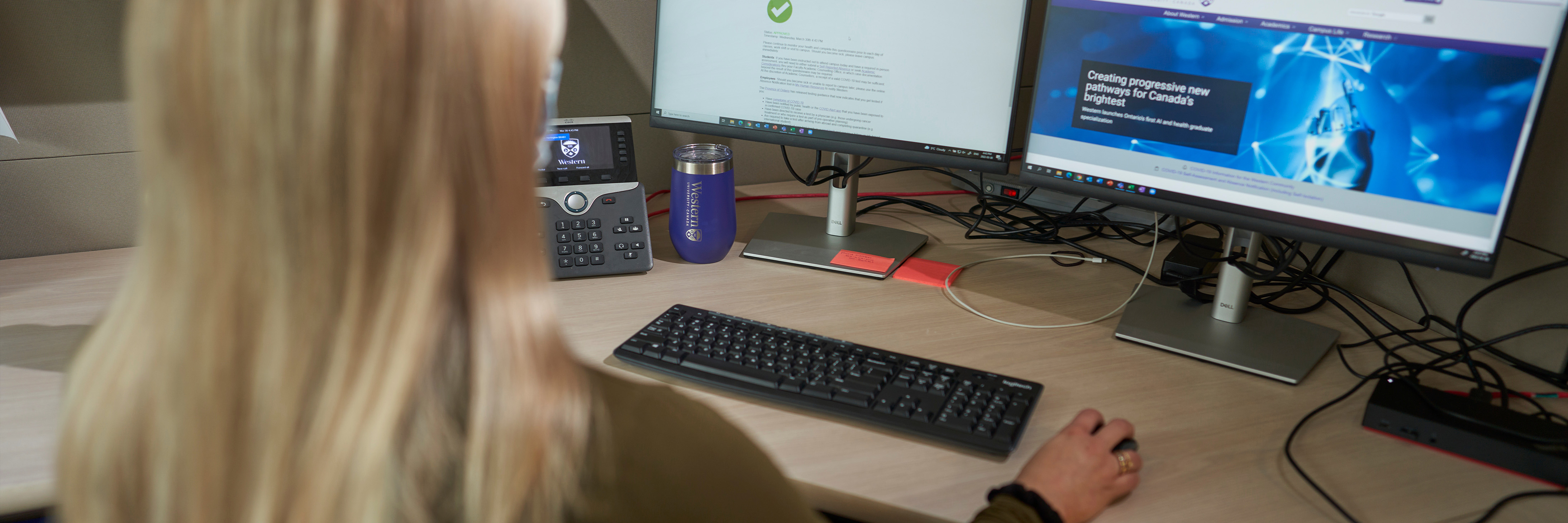
To assess ergonomics in the office you must look at many different areas such as computer and paperwork, telephone use, lighting, working posture, and work demands. The office ergonomics section will help to guide you through and provide some tips on basic office workstation set-up. Not to worry, the guide includes a 4-step program with accompanying pictures. There is also a special section on laptop use, both in the office and when on the go! Links to office ergonomics websites are provided.
Improving your Workstation
The information below is to help you understand and modify your own work areas with the goal of improved safety, comfort and efficiency.
Step 1: Evaluate your Workstation
Office Ergonomics - Start Here
- Office Ergonomics at Work - Online Training - see 'Recommended Learning’
- Review Workstation setup - a quick guide
- Evaluate your Workstation
Additional Workstation Resources
Office Workstation
- Choosing the Proper Chair
- Guidelines for Desk Ergonomics
- Guidelines for Computer Work
- Office Ergonomics Reference Guide - Occupational Health Clinics for Ontario Workers
Review General Ergonomics Education
- Ergonomics of Manual Material Handling at Work - Online OWL Training – under ‘Required Training for Specific Duties’
- Manual Material Handling
- Prevention of MSDs
- General Exercises
Laboratory Workstation
Ergonomic guidelines available - Laboratory Ergonomics
Step 2: Onsite Equipment Consideration
Request Review
Staff/faculty to review request with their department leader/supervisor.
Primary recommendation
Searching within department first for equipment before reaching out to vendors to purchase of new equipment
If specific item requested (chair, sit/stand desk, etc)
All equipment purchases are subject to approval by the individual departments. Purchasing equipment is a department-level responsibility. It should be noted, that if there are alternate sources of funding, such as WSIB or MVA auto insurance, these need to be explored and exhausted first.
Department to choose a preferred vendor
Step 3 - Need More Information or Assistance?
If a staff or faculty member is still having difficulty at workstation after going through above processes, please ask the individual to connect with the designated Employee Well-being Consultant for their department to discuss further.
- Requests for assessments with Employee Well-being will be evaluated based on medical need. Review the accommodation process for more details.
- The employee Well-being Consultant will provide an update to the staff/faculty member and the department for consideration of any recommended office equipment requested because of a medical condition.
Published on and maintained in Cascade CMS.





